Keep as much detail as you want
Record your grind setting, dose, output, time, and temperature. Add a note and a rating, or just save the measurements you use.
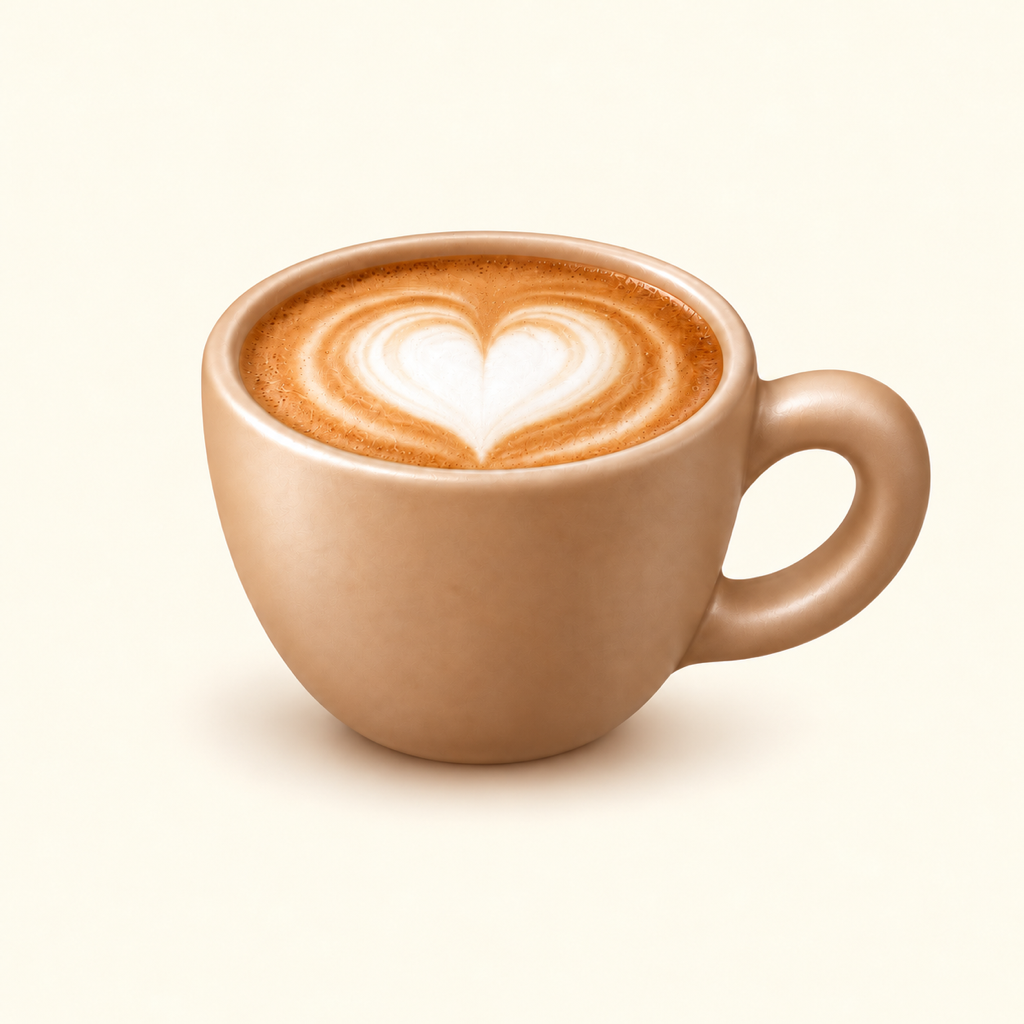 TasseComing soon
Tasse: your coffee journal
A coffee journal for the beans you buy and the espresso you make. Save a recipe you like, and find your grind setting when you need it again.
See how it worksComing soon for iPhone and iPad
iOS / iPadOS 26.2 or later
Works offline. No account needed.
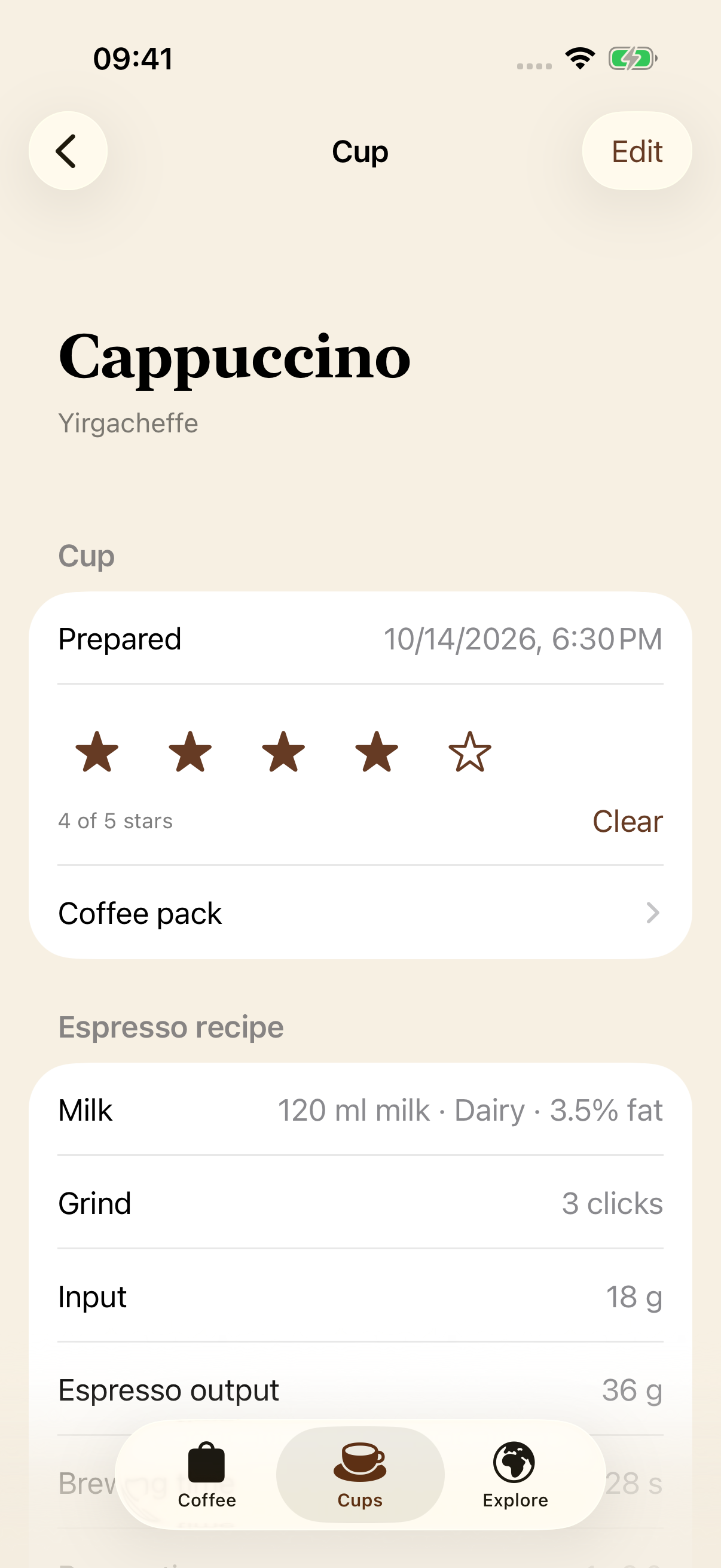
Keep track of what you’re brewing and what you’ve finished. Save the roaster, origin, roast level, and tasting notes with each coffee.
Scan a bag or choose a photo, then check the details before you save.
Search your shelf or filter by the details you remember.
Link the new bag to your earlier purchase and keep both histories.
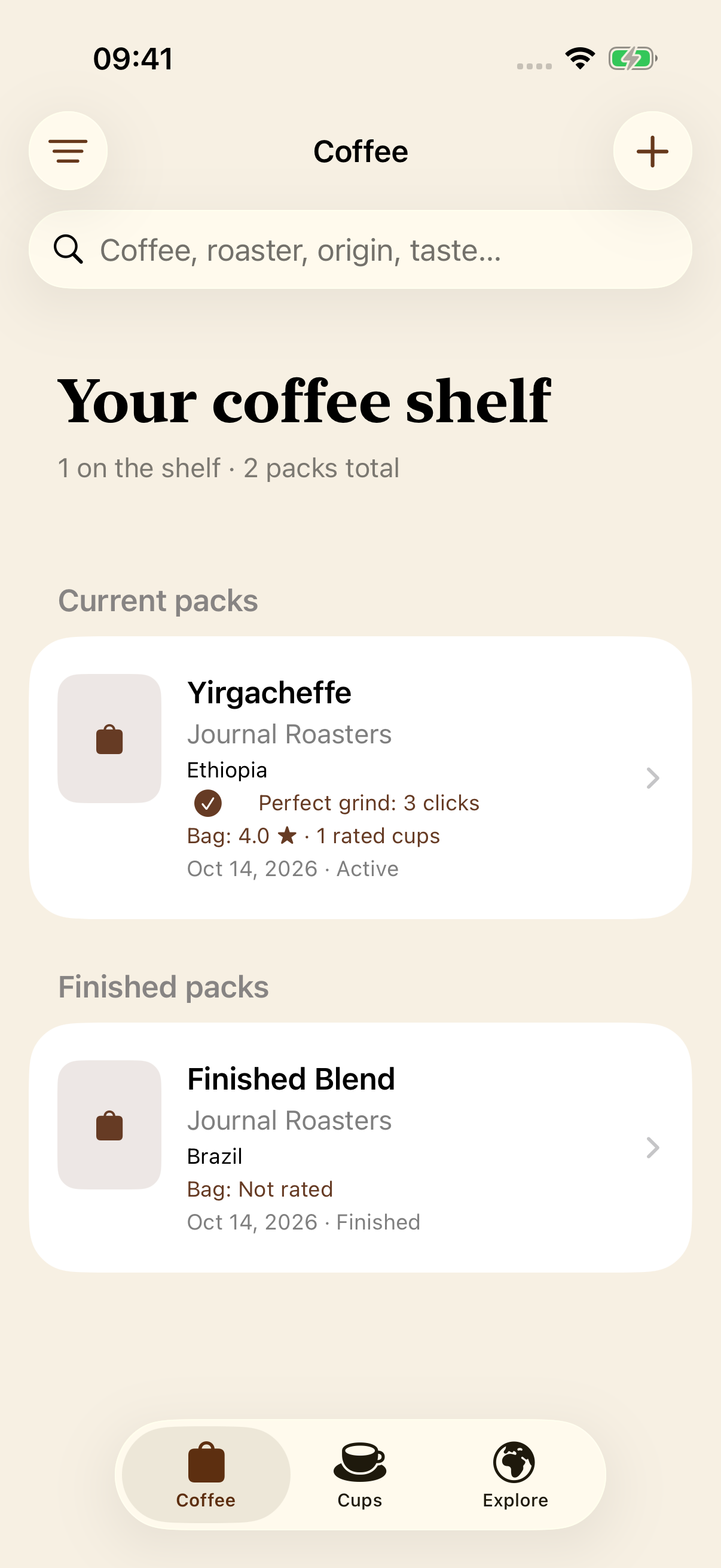
Write down the details that help you. Leave the rest blank.
Example measurements. Use your own recipe.
Record your grind setting, dose, output, time, and temperature. Add a note and a rating, or just save the measurements you use.
Split one brew into two cups, with separate milk amounts, milk types, notes, and ratings for each.
Reuse a previous recipe and mark a bag’s perfect grind setting. It’s there the next time you open the app.
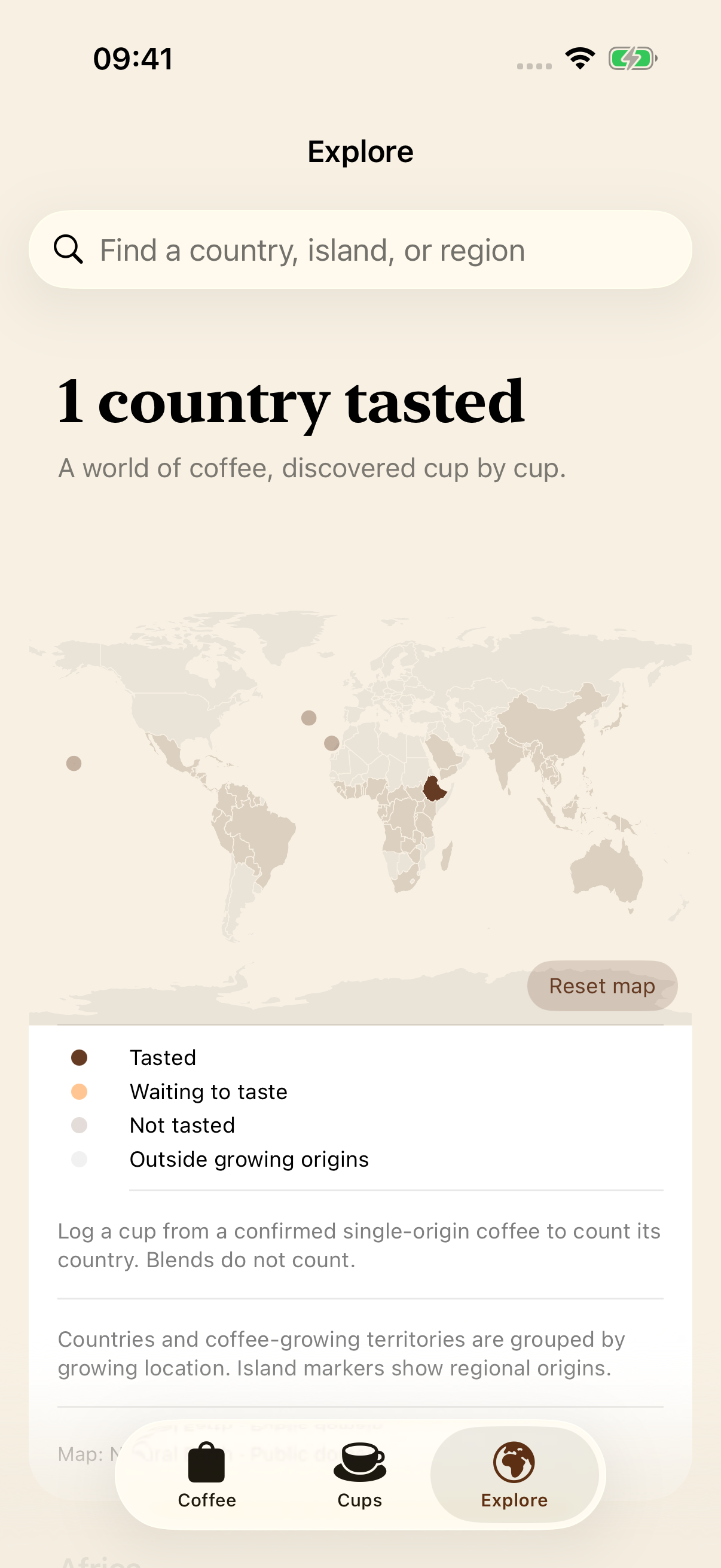
Browse coffee origins on the map. When you log a cup from a single-origin coffee, Tasse adds that origin to the ones you’ve tasted.
You can browse by region, too. The map and country lists are built in, so they work without an internet connection.
There’s no account to set up. Your entries and photos are stored on your device, and your journal works offline.
For now, your journal stays on that device. There’s no sync between iPhone and iPad.
No. You can use the journal without signing up. Your entries and photos are stored locally on your device, and the journal works offline.
No. Grind, dose, output, brewing time, and temperature are optional. A note or a rating is enough if that’s all you want to save.
Yes. Each cup stores half the dose and espresso output, with its own milk details, notes, and rating.
Take a photo or choose one from your library. On-device text recognition helps fill in coffee details. You can check and edit them before saving. Devices that support Apple Intelligence can also use it to interpret the label.
No. Your entries stay on the device where you create them. Synchronization is not currently available.
Tasse supports iPhone and iPad with iOS or iPadOS 26.2 or later.